From these tabs in personnel configuration, you can configure any rule or any details for any rule.
End of service types.
You can add any type of end of services.
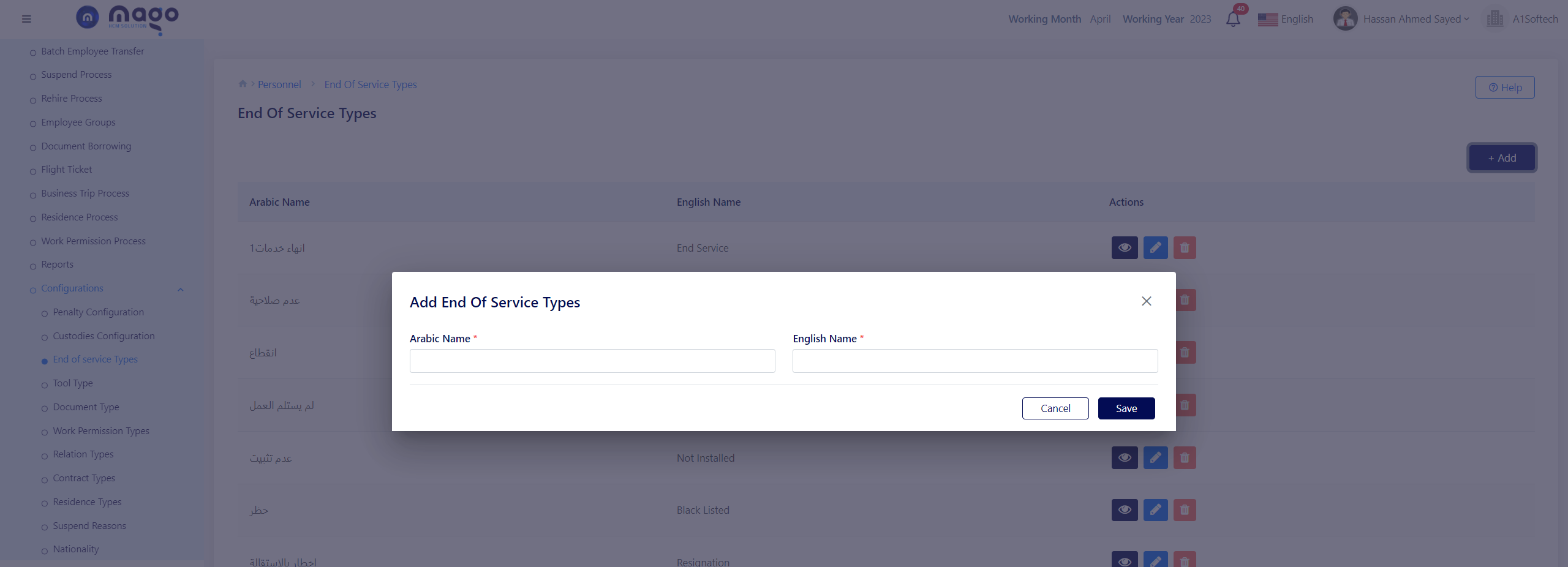
- Enter the type of name in English and Arabic.
- Click on the save button to save information

To view any end of service type, you entered

To edit any end of service type details.

To delete any end of service type..
Tool type.
From this screen you can add any tool type you want.

To add tool type:
- Enter the tool name in English and Arabic.
- Click on the save button to save information.
To view any tool type, you entered
To edit any tool type details.
To delete any tool type.
Document type
From this screen you can add any document type you want.

To add document type:
- Enter document type name.
- Click on the save button to save information.
To view any document type, you entered
To edit any document type details.
To delete any document type.
Work permission types.
From this screen you can add any work permission type.
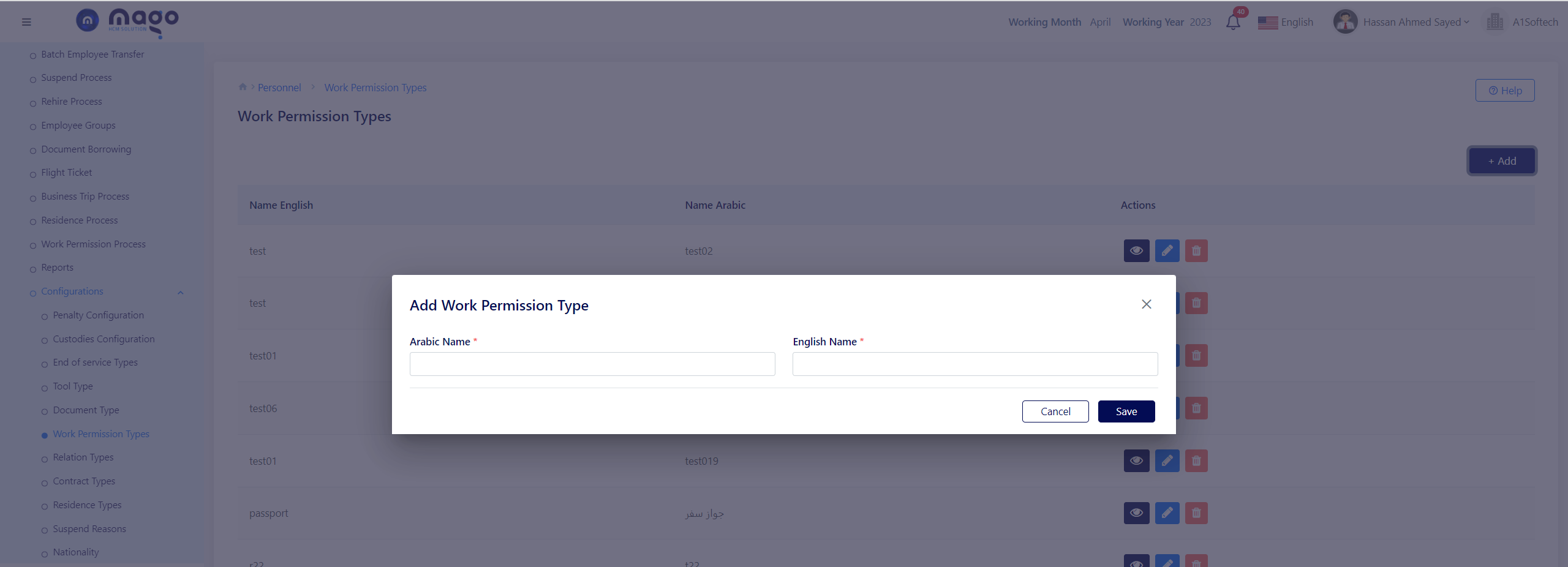
To add work permission type:
- Enter the work permission type name in Arabic and English.
- Click on the save button to save information.
To view any work permission type, you entered
To edit any work permission type details.
To delete any work permission type.
Relation type
From this screen you can configure any relation type you want.
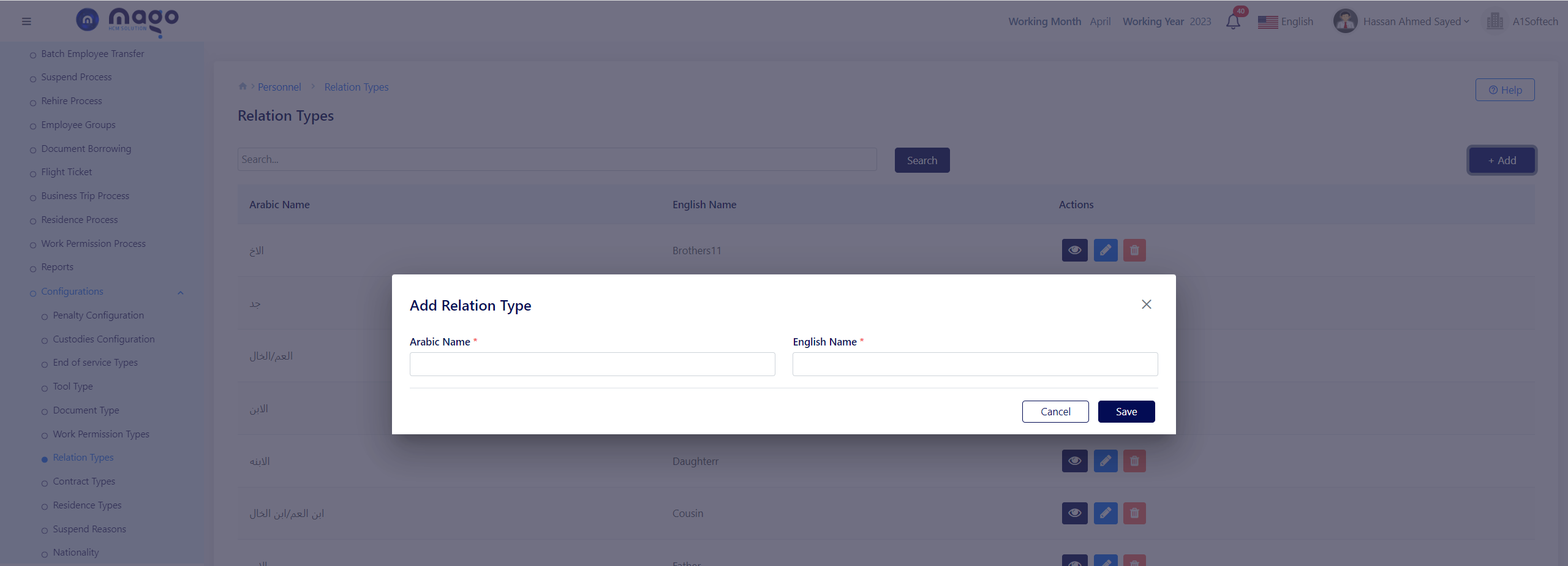
To add relation type:
- Enter relation type name in Arabic and English.
- Click on the save button to save information.
To view any relation type, you entered
To edit any relation type details.
To delete any relation type.