
Salary Ranges.
By clicking on the screen of the payroll located in the main modules.
You can enter all salary ranges in your company.
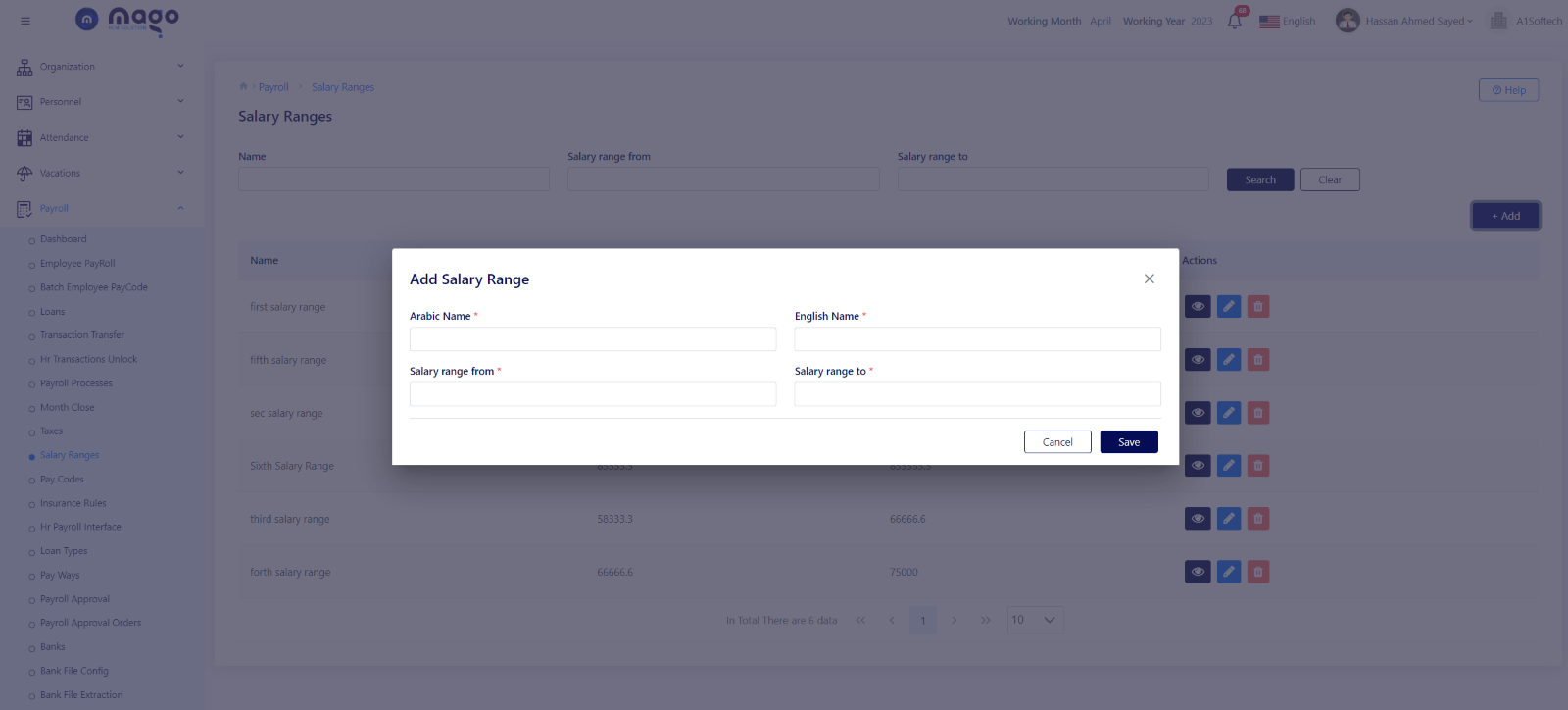
To add salary range:
- Enter salary name range in Arabic and English.
- Select salary range from and to.
- Click on the save button to save information.

To view any salary range details, you entered

To edit any salary range details.

To delete any salary range details.